Online Safety & Content Filtering
LCPS maintains a secure and supportive digital environment for all students through a multi-layered system of protection.
LCPS filters all internet traffic and search activity to prevent access to inappropriate or harmful content. These protections apply in all learning environments:
On Campus: Any device connected to the LCPS network.
Off Campus: All LCPS-issued student devices, including those used at home or on public WiFi.
To help identify potential safety concerns and support student well-being, LCPS uses Gaggle, which continuously monitors student digital activity on LCPS-provided accounts and devices. This includes:
Google Workspace: Gmail and Drive.
Microsoft Office 365: OneDrive and related applications.
Web Activity: Browsing and online interactions on LCPS-issued student devices.
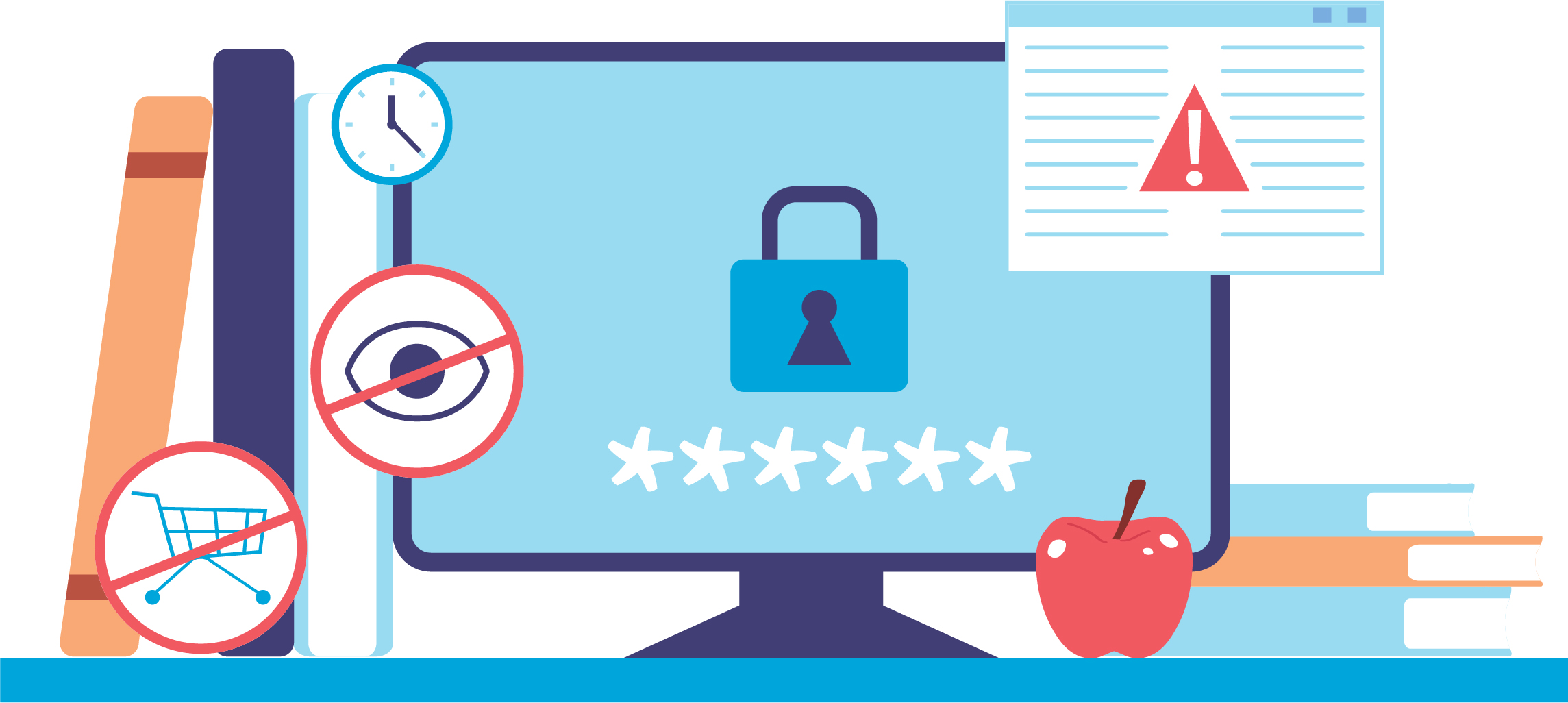
Our primary content filtering goals fall under three main categories:
Safety of students
Security of our network
Compliance (for example, with the Children's Internet Protection Act (CIPA), and our own Acceptable/Responsible Use Policies.)
Our systems utilize vast databases of URLs and keywords, combined with artificial intelligence and human review, to proactively identify:
Inappropriate content, restricted search terms, and blocked websites.
Indicators of self-harm, violence, or other high-risk behaviors.
Monitoring and logging are performed in real time, with automated alerts identified by severity sent to the applicable school administration and LCPS Safety and Security. Once notified, LCPS staff follow established procedures for conducting assessments and contacting students, parents, and law enforcement if appropriate.
LCPS offers comprehensive mental health services and supports provided by our Unified Mental Health Teams (counselors, psychologists, social workers, and student assistance specialists) who can assist and direct you to the right level of services and connect you to needed resources.